Welcome to EMIS User Manual
This manual will guide you on how to log in to the Educational Management Information System (EMIS). Follow the steps carefully to successfully access the system.
Steps to Login
- Open your web browser (e.g., Mozilla Firefox, Google Chrome).
- In the address bar, type the EMIS web address and press Enter.
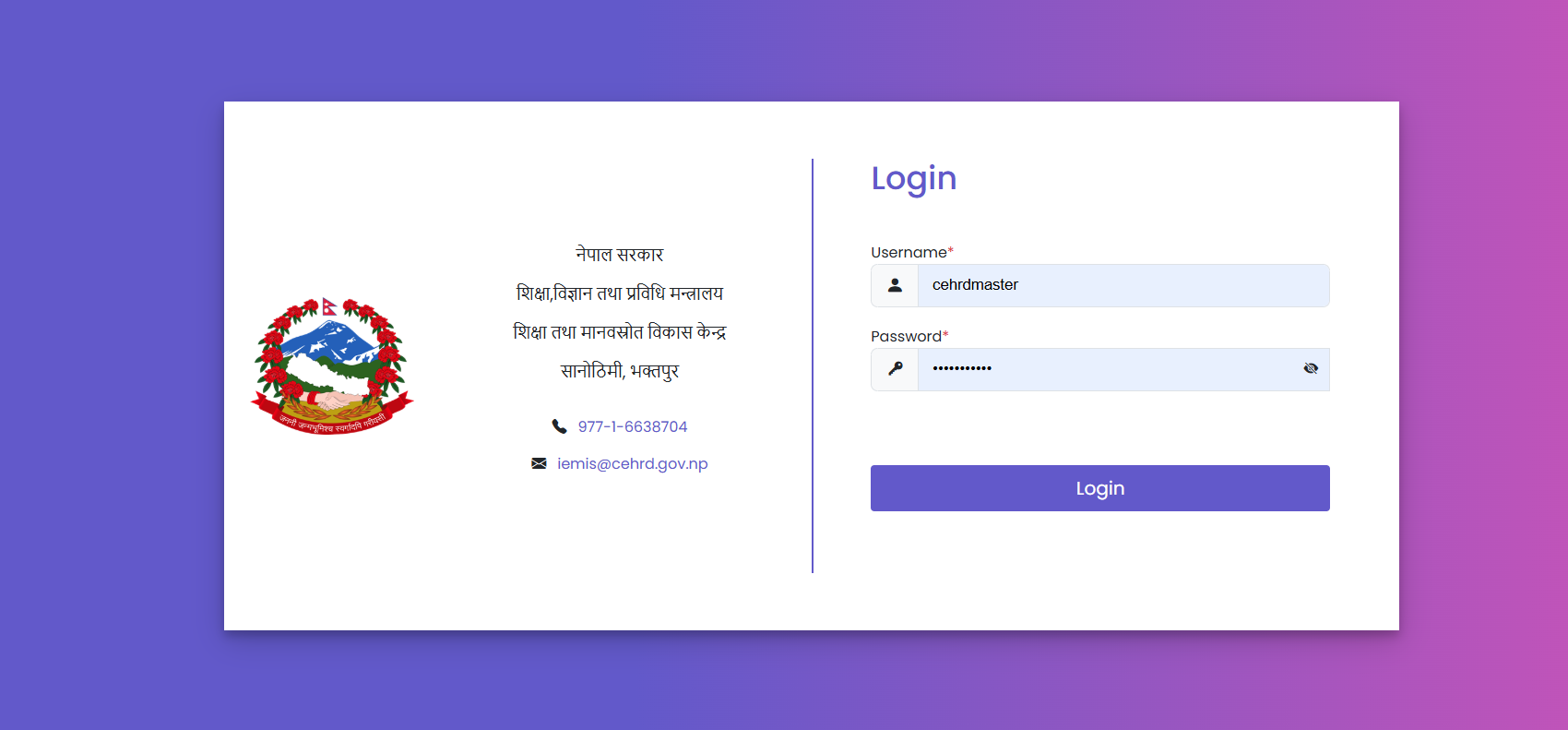
- You will see the login screen.
- Enter your username and password as provided by your administrator.
- Click on the Login button to access the system.
Now, you will land on a dashboard page where you can see graphical representations of data processed with various parameters. You will also see menus on the left side, developed according to the needs of the organization and its stakeholders. On this page, the user-admin is required to assign User management and User roles, settings for Lookup, Assistive Products, and Exam terms for the organization.